




On this page
See Tech Prescient in Action
Automate access, reduce risk, and stay audit-ready
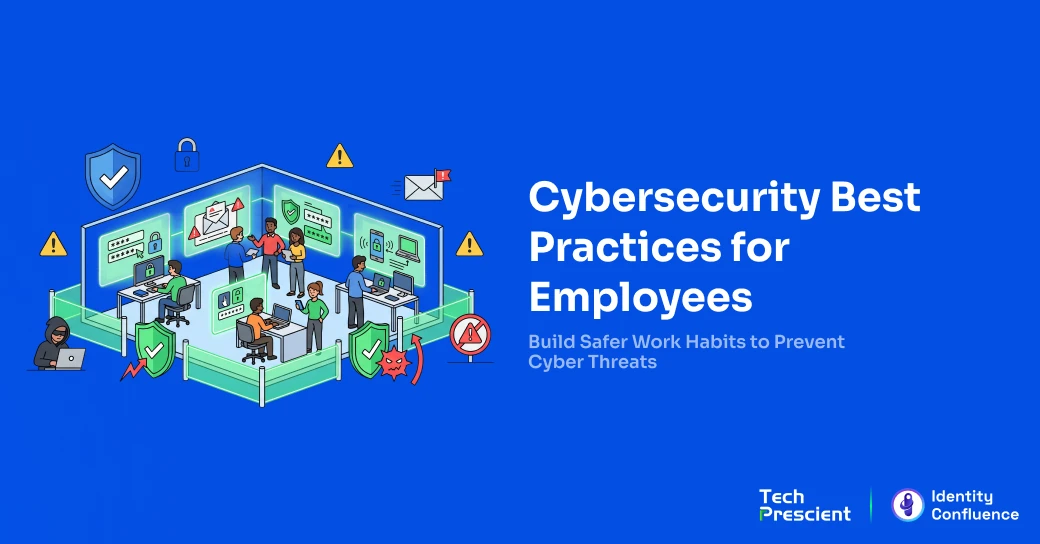
Cybersecurity is not just an IT department responsibility. Every employee who logs in, opens an email, or connects to a company system is either protecting or exposing the organization with every action they take. A single phishing click, a reused password, or an unlocked laptop left unattended can hand an attacker everything they need.
The good news is that most breaches are preventable. Employee cybersecurity risk is not a skills problem; it is a habits and access control problem. The cybersecurity tips for employees in this blog are practical, specific, and grounded in how real attacks happen in modern workplace cybersecurity environments.
Key Takeaways:
- Human error drives the majority of cybersecurity incidents
- Phishing and credential theft are the most common entry points for attackers
- Strong passwords, MFA, and secure device habits prevent most breaches
- Early reporting significantly reduces breach impact and response time
- Identity governance limits damage by enforcing least-privilege access
Why Cybersecurity Awareness for Employees Matters
Cybersecurity awareness helps employees recognize threats like phishing, malware, and social engineering before they compromise company systems. More importantly, it shifts default behavior, reducing risky actions like clicking without verification, reusing passwords, and ignoring security alerts.
Human error is responsible for the vast majority of data breaches, with a small percentage of employees contributing disproportionately to security incidents. These are rarely malicious insiders. They are people acting on habit rather than awareness. The behaviors are ordinary. The consequences are not.
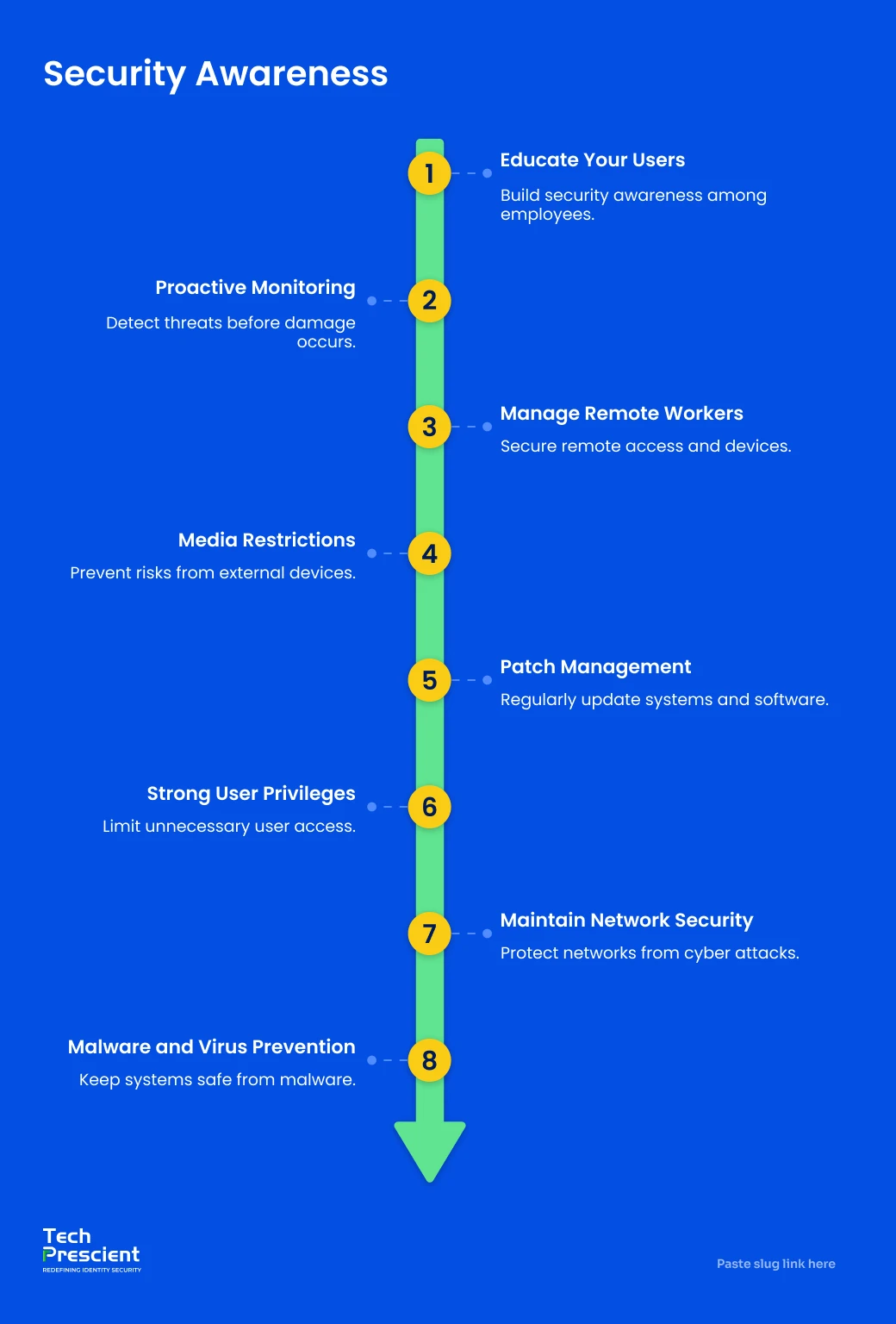
Organizations that invest in employee security awareness reduce breach frequency, limit damage, and improve response times. It strengthens every other layer of security by addressing the human element where most attacks begin. For a deeper look, read What Cybersecurity Awareness is and Why It Matters in 2026 to understand how modern threats are evolving and why employee behavior is now a primary attack surface.
See how cybersecurity posture actually compares?
Where your employee security readiness, identity risk, and threat exposure stand against 2026 benchmarks.
12 Essential Cybersecurity Tips for Employees
These cybersecurity best practices for employees address the most common attack vectors in today's enterprise environments. Each one is practical enough to apply immediately, without requiring technical expertise.
Use Strong and Unique Passwords
Password security starts with one principle: never reuse credentials; a single breach can expose every account sharing that password.
A strong password is roughly 12 to 15 characters long, combines letters, numbers, and symbols, and contains nothing tied to personal information. The practical solution is a password manager such as 1Password or Bitwarden, which generates and stores unique credentials for every account. Employees only need to remember one strong master password.
Over-permissioned accounts significantly increase the impact of credential compromise. When stolen credentials unlock access far beyond what an employee's role requires, one phishing click becomes an enterprise-wide incident. Least privilege access enforced through identity governance controls ensures a compromised account can only reach what that employee actually needs.
Enable Multi-Factor Authentication (MFA)
Multi-factor authentication adds a second verification step beyond the password. Even if an attacker steals or guesses credentials, MFA prevents them from completing the login without the second factor: a one-time code, a push notification, a biometric prompt, or a hardware key.
According to the Microsoft Digital Defense Report 2024, multi-factor authentication blocks over 99% of account compromise attempts, making it one of the most effective controls against credential-based attacks. Employees should enable MFA on every work account that supports it: email, VPN, cloud applications, HR systems, and any platform that holds company data. Authenticator apps are more secure than SMS codes, which can be intercepted through SIM-swapping.
Identify and Avoid Phishing Emails
Phishing is the most common initial entry point across enterprise breaches. Attackers send deceptive emails, messages, and calls designed to trick employees into revealing credentials, clicking on malicious links, or downloading infected attachments. AI-generated phishing attacks are significantly harder to detect, as they eliminate traditional red flags like poor grammar and generic greetings.
A practical method for evaluating suspicious emails is the SLAM framework:
- Sender: Does the email address exactly match the claimed sender's domain? Look for transposed letters or domains that closely mimic legitimate ones.
- Links: Hover before clicking. If the displayed link and actual destination URL do not match, do not click.
- Attachments: Do not open attachments from unexpected or unknown sources. PDFs, Word documents, and HTML files are all common malware delivery formats.
- Message: Does it create unusual urgency or ask you to bypass a normal process? Urgency and authority are the two most reliable levers in social engineering attacks.
When in doubt, contact the sender through a separate, known channel before acting.
Keep Software and Systems Updated
Every piece of software contains vulnerabilities. Vendors patch them through updates. When employees delay updates, they leave known entry points open for attackers who know exactly how to exploit them.
Enable automatic updates wherever your organization permits. For manually managed systems, apply updates promptly when prompted. This applies to operating systems, browsers, productivity tools, antivirus software, and any application that connects to company data.
Lock Your Devices When Away
An unlocked device left unattended is an open door. Anyone walking past can access files, send emails under your identity, or install malicious software. This risk applies in open-plan offices, conference rooms, coffee shops, and airport lounges equally.
Enable automatic screen lock after one to two minutes of inactivity. When stepping away from your workstation, lock the screen immediately. Be equally mindful of what is visible on your screen to anyone nearby: client data, financial information, and internal documents should not be casually visible in shared environments.
Avoid Public Wi-Fi Without a VPN
Public Wi-Fi networks in cafes, hotels, and airports are unencrypted and have no access controls. They are a common environment for man-in-the-middle attacks, where an attacker intercepts traffic between your device and the network to capture credentials and session data.
When working outside the office, connect to your organization's VPN before accessing any company system or application. A VPN encrypts all traffic between your device and the corporate network. If a VPN connection is unavailable, use your phone's mobile hotspot rather than public Wi-Fi for anything involving company data.
Handle Sensitive Data Carefully
Data protection in the workplace means applying the same care to digital information that you would apply to a confidential physical document. Access only the data your role requires, use only company-approved platforms for storing and sharing files, and never forward sensitive information externally without explicit authorization.
The most common data-handling mistakes are driven by convenience rather than intent, but they create significant security gaps.
Be Careful With Links and Attachments
Malicious links and infected attachments are the primary delivery mechanisms for malware, credential harvesters, and ransomware. Before clicking any link in an email or message, hover over it to reveal the actual destination URL. If the displayed link and real URL do not match, do not click.
Before opening any attachment from an unexpected source, verify the sender through a separate channel. This applies to internal messaging platforms, too. A compromised colleague's account can send malicious content through Slack or Teams just as easily as email.

Pro Tip
Before interacting with any link or attachment, apply this quick security check:
- Was I expecting this?
- Does the sender have a reason to send it right now?
- Does it ask me to act urgently or bypass a normal process?
If you answer no to the first or yes to either of the others, treat it as suspicious and report it to IT. Reporting a false positive is always better than staying silent about a real threat.
Secure Your Home Office
Secure remote work practices address a risk surface that most enterprise security tools cannot fully reach. Home networks, personal devices, and shared household environments introduce vulnerabilities that corporate perimeter controls were not designed to manage.
Change your router's default admin credentials and enable WPA2 or WPA3 encryption. Keep router firmware updated. Use only company-issued or formally approved devices for work tasks, enable full-disk encryption, and never store work files on personal cloud accounts. Where your organization provides a VPN, keep it connected when accessing company systems.
Avoid Unknown USB Devices
A USB device found on a desk, in a parking lot, or in a meeting room is a potential attack vector. Threat actors deliberately place infected drives in high-traffic locations, relying on human curiosity to complete the attack when someone plugs the device into a work computer. Once connected, USB-borne malware can execute without any further interaction.
The rule is simple: never plug an unknown USB device into any work computer. If you find one and are unsure of its origin, hand it to your IT security team for inspection. Most organizations also restrict personal USB devices on company equipment. Follow those policies even when they feel inconvenient.
Report Suspicious Activity Immediately
Early reporting is the most underutilized employee cybersecurity behavior. Many employees who notice something suspicious delay reporting out of embarrassment, uncertainty about whether it is serious, or fear of consequences. That delay has a direct and measurable cost.
When employees detect and report intrusions internally, attackers are contained significantly faster than when organizations learn about breaches from external sources. Organizations must make reporting frictionless: a single step, a clear destination, and a consistent message that reporting is encouraged and never penalized. An employee who reports a phishing click ten minutes after it happens is an asset.
Participate in Security Training
Cybersecurity awareness training is the practice that makes every other tip on this list more effective. It builds threat recognition, reinforces secure habits, and signals that cybersecurity at work is a genuine organizational priority.
The impact is measurable. Phishing simulation data shows that nearly one-third of untrained employees interact with phishing attempts at baseline, highlighting the importance of continuous awareness training. With continuous training, phishing susceptibility drops dramatically over time. The most effective programs combine regular short modules with simulated phishing campaigns that include immediate, specific feedback when an employee clicks.
Cybersecurity Tips for Remote and Hybrid Employees
Remote and hybrid employees operate within an expanded workplace cybersecurity risk surface. Traditional perimeter security controls were designed for environments where employees connect through a single, controlled corporate network. Remote workers operate across home networks, public hotspots, personal devices, and multiple cloud applications simultaneously.
The core guidance covers four areas. Secure your home network by changing the default router credentials, enabling WPA3 encryption, and keeping the firmware up to date. Use company-approved devices with full-disk encryption enabled; personal devices lack the endpoint management controls IT relies on. Use secure file-sharing platforms approved by your organization for any work document, not consumer cloud storage or personal email. Maintain endpoint protection by keeping antivirus and detection tools active and reporting any unusual alerts to IT rather than dismissing them.
Common Cybersecurity Mistakes Employees Make
Even with strong employee awareness, risk remains if access is not properly controlled. Over-permissioned accounts, stale access, and delayed deprovisioning amplify the impact of human error. This is where identity governance becomes critical, ensuring employees only have access to what they need, when they need it.
- Password reuse is the most consequential mistake. A single breach exposes every account sharing that credential - this is exactly how credential stuffing attacks succeed at scale.
- Clicking without verification thrives on high email volume and habit. Pausing to hover over a link before clicking is a simple behavior change that prevents significant incidents.
- Ignoring software update prompts leaves known vulnerabilities open. Unpatched systems are among the most common ransomware entry points - the disruption of an update is nothing compared to a ransomware recovery.
- Oversharing on social media hands attackers the raw material for spear phishing. Job titles, project names, and travel schedules are enough to craft a convincing targeted attack. Review privacy settings regularly.
- Sharing credentials removes individual accountability and can inadvertently extend access beyond what a colleague should have. The correct path is always requesting proper access through IT.
How Organizations Can Build a Security-First Culture
A strong security culture in organizations ensures employees consistently follow its security best practices for employees and report threats rather than conceal them. Policy documents and annual compliance training alone do not create a security culture. Culture is created by consistent leadership behavior, plain-language expectations, and an environment where reporting is encouraged.
Regular, relevant training builds the knowledge base. Sessions should be short, frequent, and grounded in real scenarios from your industry. Phishing simulations run quarterly with immediate educational feedback, creating a continuous improvement loop. Clear reporting policies remove the ambiguity that causes delayed reporting: every employee should know the single step required to flag suspicious activity. Leadership participation is the cultural signal that matters most; when senior leaders attend training and participate in simulations, they demonstrate that cybersecurity awareness tips for employees apply to everyone.
Integrating identity governance completes the loop. When behavioral risk signals from training programs feed into access review decisions, organizations close the gap between what employees know and what the system enforces. For organizations looking to build this across the full security stack, Cybersecurity Best Practices for Businesses in 2026 covers the organizational controls that sit alongside employee behavior.
Strengthen Identity Governance Alongside Employee Awareness
Training employees on cybersecurity best practices solves the awareness problem, but not the access problem. Over-permissioned accounts, stale entitlements, and unrevoked access for former employees are structural vulnerabilities that training alone cannot address.
Platforms like Tech Prescient's Identity Confluence automate identity governance, enforce least-privilege access, and maintain continuous compliance across cloud, on-premise, and hybrid environments.
FAQs
The highest-impact cybersecurity awareness tips for employees are to use strong, unique passwords with a password manager; enable MFA on every work account; identify phishing emails using the SLAM method; keep software updated; and report suspicious activity to IT immediately.
Cybersecurity awareness helps employees recognize threats and prevent attacks before they escalate. Human error is the leading cause of most security incidents. Awareness training is the most direct intervention available because it changes the default behaviors that attackers rely on.
Human error is the single largest cybersecurity risk in the workplace, encompassing credential reuse, phishing clicks, unsecured device usage, and mishandled sensitive data. These behaviors are preventable with the right training, habits, and technical controls working together.
Apply the SLAM method: check the sender address, inspect links by hovering before clicking, treat attachments from unexpected senders with suspicion, and evaluate the message for unusual urgency or requests that bypass normal processes. When uncertain, verify with the sender through a separate channel before acting.
Security awareness training should be continuous: monthly simulated phishing campaigns, quarterly topic-specific modules, and real-time feedback for any simulated or real incident. High-exposure roles, including finance, IT administration, and executives, warrant more frequent touchpoints given their disproportionate targeting.
Share



Brinda Bhatt
Digital Marketing Strategist
A Digital Marketing Strategist who makes complex identity governance accessible to security and technology leaders through clear, data-driven content. Her insight-led, audience-focused approach supports Tech Prescient's mission of redefining identity security for modern enterprises.
Most Popular Blogs
Identity Security· 21 min read
Data Access Governance Solutions: How to Secure Sensitive Data at Scale
Compare data access governance solutions for 2026: how DAG platforms discover sensitive data, run access reviews, automate remediation, and prove compliance.
Brinda Bhatt· September 7, 2026
Identity Security· 24 min read
What Is Zero Trust Network Access (ZTNA)?
Learn what Zero Trust Network Access (ZTNA) is, how it works, and why it’s replacing VPNs for secure, identity-based access control.
Yatin Laygude· August 14, 2026
Identity Security· 24 min read
Cyber Essentials Certification: Complete Guide
Learn Cyber Essentials certification, cost, requirements, and steps. Compare Cyber Essentials vs Plus and get certified faster.
Yatin Laygude· August 10, 2026